Robot stack
Middleware, navigation, integration, and reproducible environments.
Give your coding agent the robotics knowledge to build, simulate, and debug. Robium combines tested skills, practical fixes, and runnable reference apps so you can start from something that works.
Open source · Works with Claude Code, Codex, Gemini CLI, and Cursor
Run this command in your terminal.
npx robium-ai setup npx robium-ai setup --agent claude npx robium-ai setup --agent codex npx robium-ai setup --agent gemini npx robium-ai setup --agent cursor Add the skills to an existing project with skills.sh. Use setup above for the complete workspace and reference apps.
npx skills add robium-ai/robium After setup, restart your agent and paste a prompt to begin.
Show me a few robots in MuJoCo I can control and interact with.
Run a pretrained reinforcement-learning policy for autonomous driving in Gymnasium's CarRacing simulation.
Show me a simulated Stack-chan robot with local speech-to-text, text-to-speech, and face tracking.
Focused skills for the way you build: your robot platform, your models, and your compute. Pick the skills that fit your project.
Middleware, navigation, integration, and reproducible environments.
Build and test the robot before hardware enters the loop.
Use public robot datasets and state-of-the-art models to train and evaluate robot policies.
Inspect live robots, simulations, rollouts, and recorded data.
Test your application, then run it on your robot, in simulation, or on a remote server.
Capture what works, improve the skills, and publish proven applications.
Already working with a coding agent? Add Robium skills to give it the robotics know-how to make better-informed choices and spend less time troubleshooting.
A growing collection of runnable reference applications gives your agent practical examples to learn from and build on.
Equip your agent with known issues, diagnostic steps, and practical fixes for common robotics problems.
Give your agent focused skills to plan, build, simulate, train, test, and deploy your robotics project.
Use the same skill library with Claude Code, Codex, Gemini CLI, or Cursor.
Give your agent proven approaches for environments, integrations, simulators, and compatible versions.
A growing library of skills and reference applications supports more robot platforms, models, simulators, and tools.
Robium loads the right skills into your coding agent and grounds its work in your project context. Your agent builds and tests against the robot, simulation, and cloud targets you choose, while Robium captures lessons for future work.
Clone, test, and adapt complete reference applications for your own robotics project.
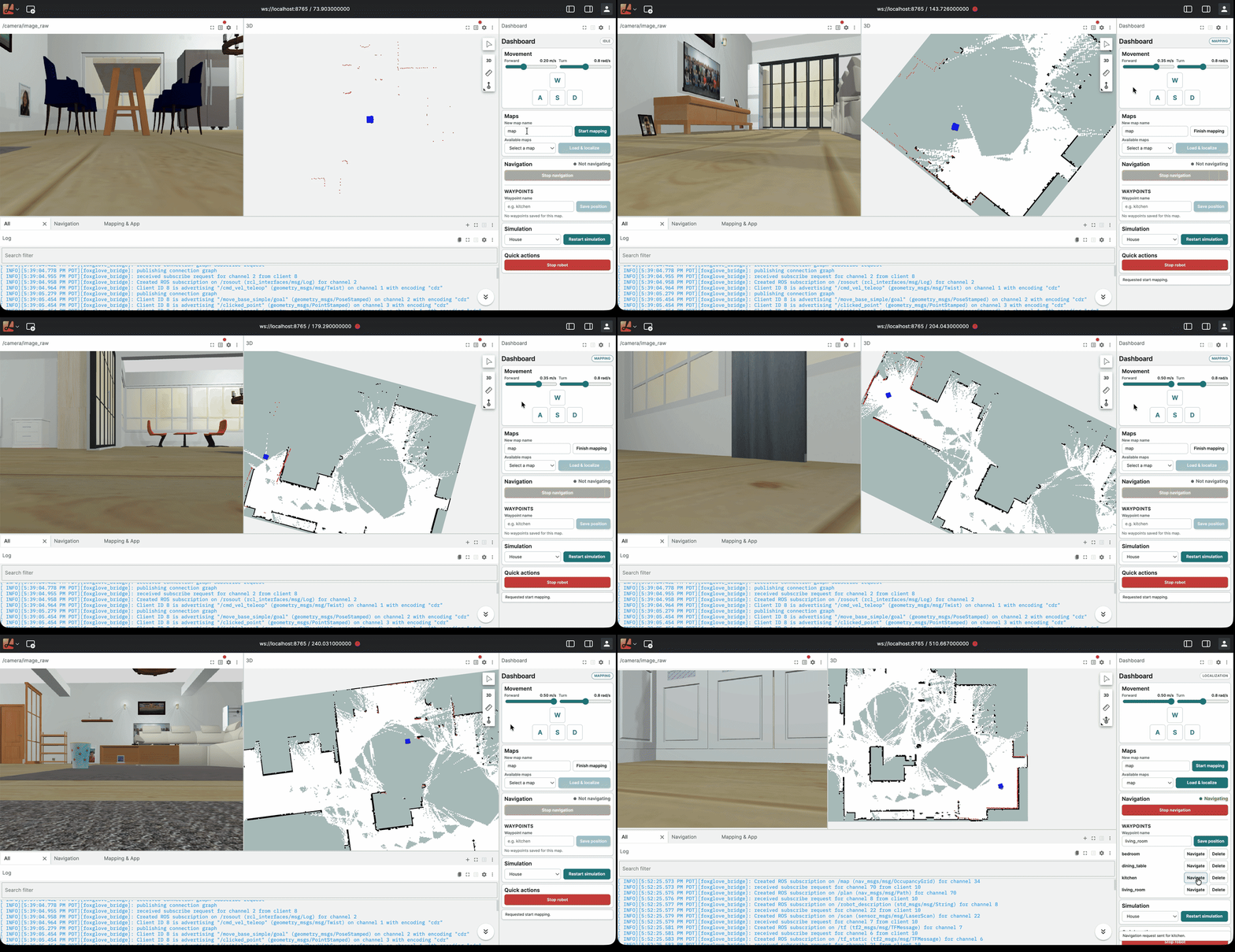
Map a Gazebo world and tune navigation with ROS 2 and Nav2. Runs in Docker; no GPU or local ROS installation required.
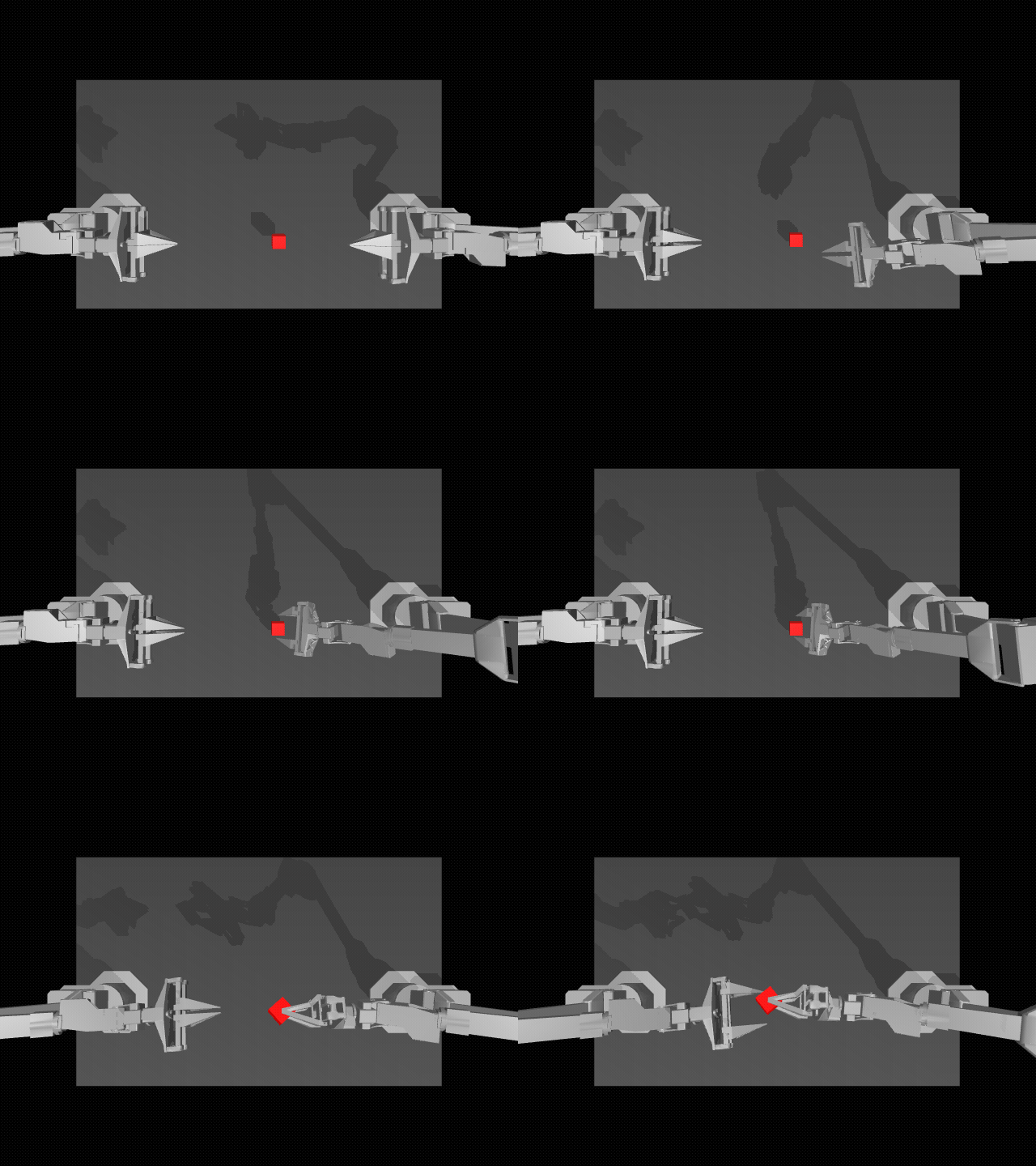
Replay cube transfers and tune the action horizon in MuJoCo. Runs with uv on macOS; no NVIDIA GPU required.
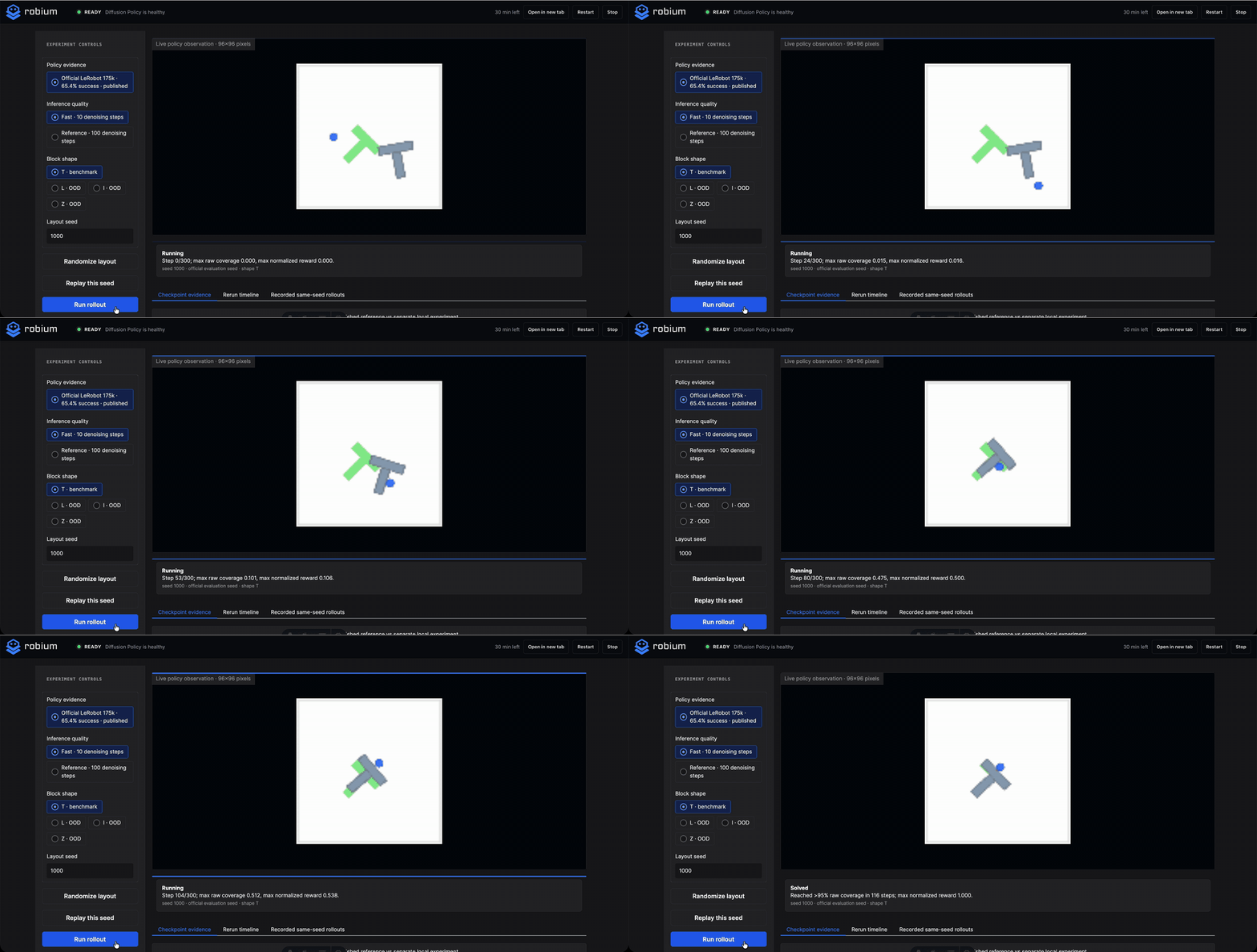
Change block layouts and denoising steps, then rerun a pretrained policy. Local setup uses uv and ffmpeg; no NVIDIA GPU required.
Map a simulated TurtleBot3 with SLAM Toolbox, reuse the map with AMCL, save waypoints, and send Nav2 goals from a browser.
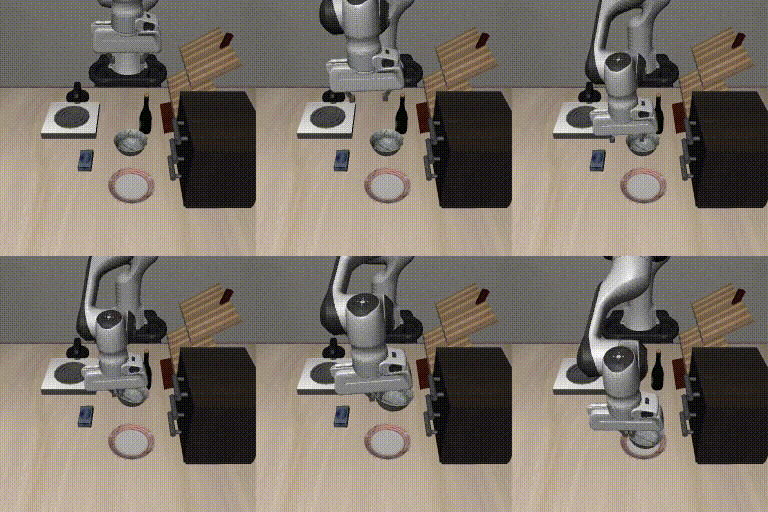
See how Physical Intelligence's Pi0.5 turns camera views, robot state, and a language instruction into actions for a simulated Panda arm.
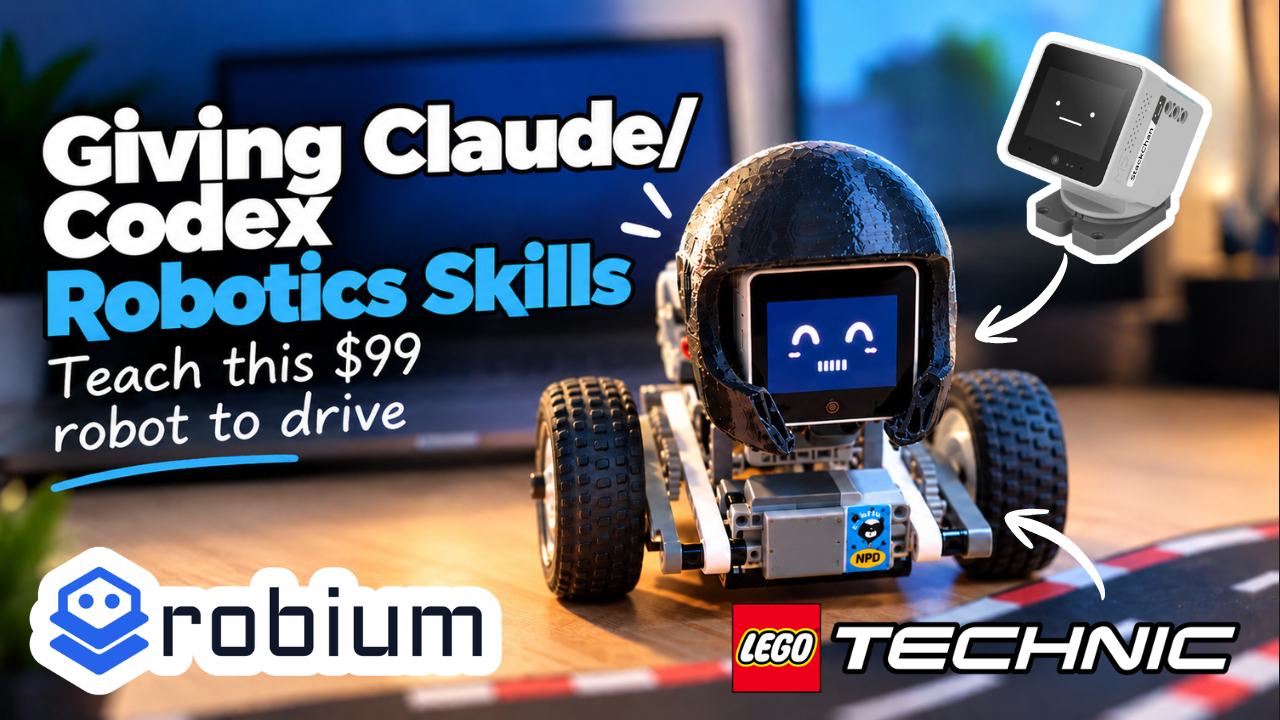
Stack Chan can see and speak, but it needed wheels. In lego-stackchan-drive, we added LEGO motors and taught it to follow lines and drive between guardrails.
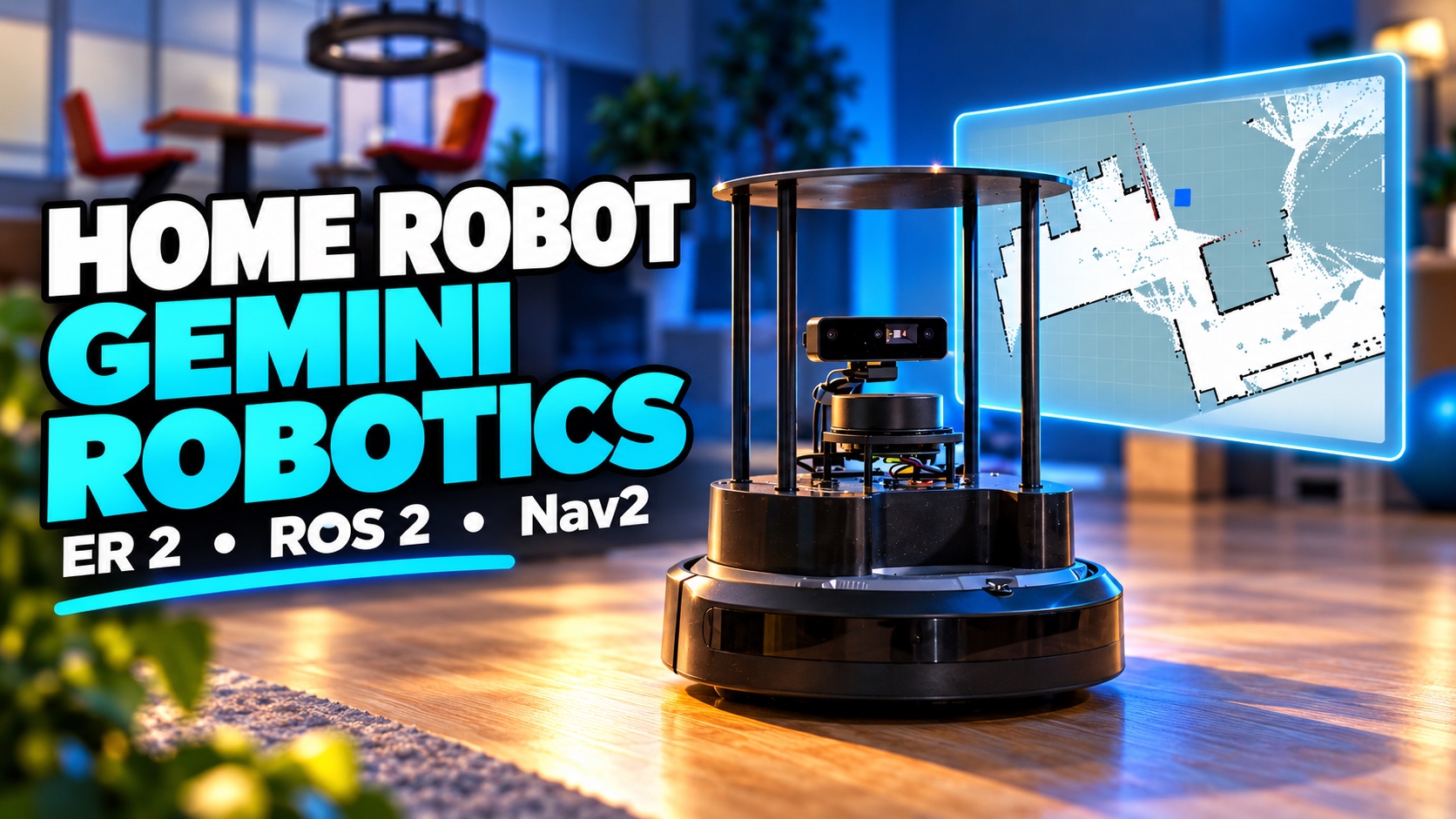
A TurtleBot 4 sends camera and robot state to Gemini Robotics ER 2, while a deterministic guard, ROS 2, and Nav2 stay in charge of motion.
Run the official ACT cube-transfer policy locally, see why action chunking mattered, and use the same workflow as a starting point for your own demonstrations.
Run a compact, verified robot-learning experiment on a Mac, then use it to understand when ACT, Diffusion Policy, or a VLA fits.
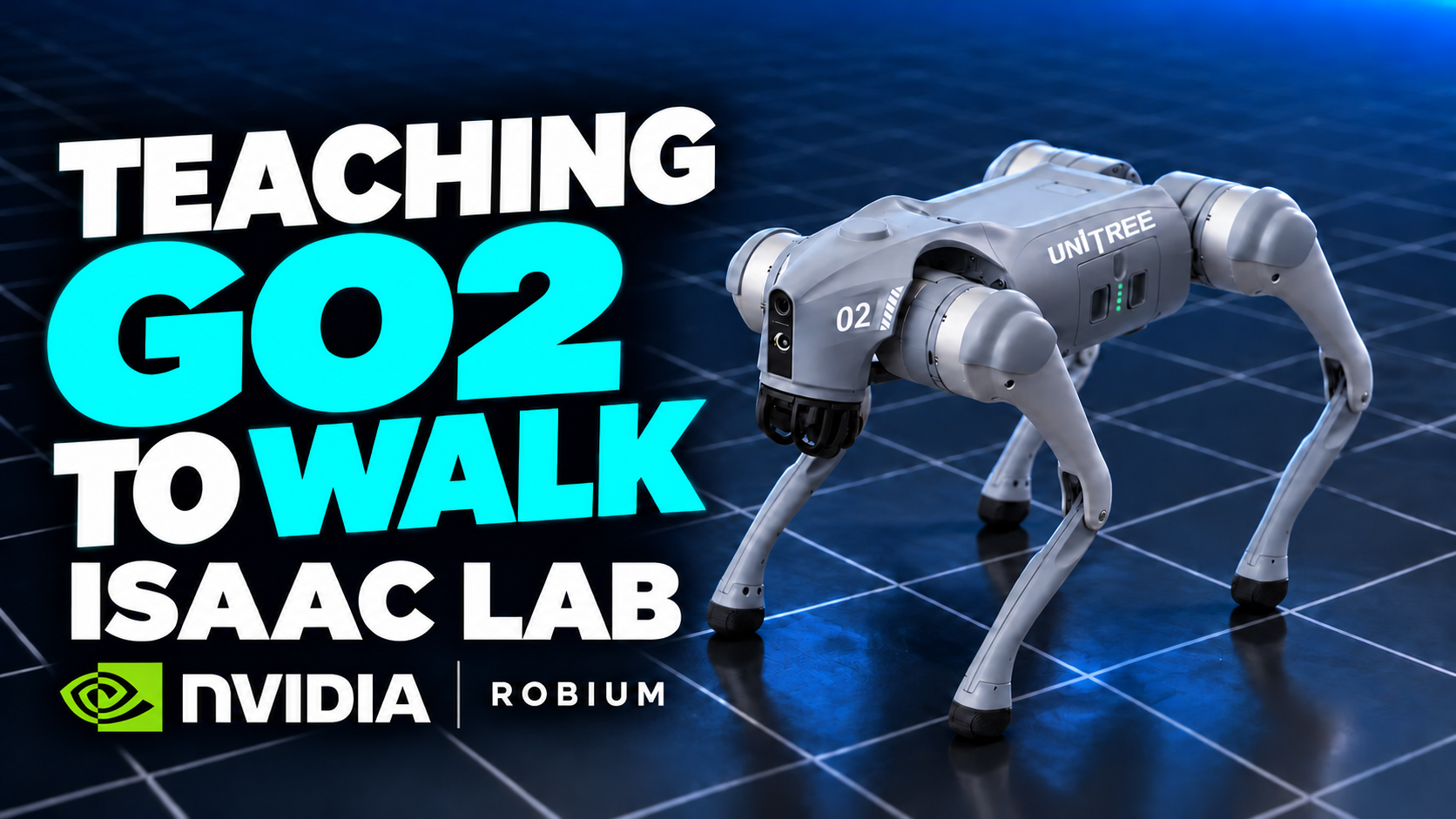
A recovered Isaac Lab run turns policy training into a recorded progression, backed by a fresh capability-scoped GPU smoke.
Claude Code, Codex, Gemini CLI, and Cursor. One command,
npx robium-ai setup, detects the agents on your machine
and sets up each one (or target one: --agent codex). The
skills follow the open Agent Skills format, so any agent that speaks
it can read them.
No. Many reference applications can run on a local CPU or on a Mac using MPS. If you don't have robot hardware, you can still explore, test, and build with simulations. For workloads that need more compute, you can use a remote GPU, with Robium skills to help you deploy your application to the cloud.
Think of a skill as a practical guide for your coding agent. Each one covers a specific robotics task with proven approaches, troubleshooting steps, references, and runnable examples.
Coding agents know a lot, but they still need reliable context for your robotics stack. Robium gives them tested guidance, common pitfalls, and working patterns so they can make better choices and spend less time guessing.
Robium includes a learning engine that captures what your agent learns during build sessions, including problems and fixes. You can review those learnings and use them to update the relevant skills, keeping the guidance current and useful.
Yes. Capture hooks log what breaks and what works during your builds, and the skill-author workflow turns that into skills for your own stack (your conventions, your hardware, your infra), hardened by the same loop that maintains the public catalog.
Yes. Robium is MIT-licensed. The plugin, full skill catalog, and CLI are open source in the Robium repository, and the reference applications are open source in the Robium Apps repository.
Yes, and the contribution unit is deliberately small: one skill. Copy the template, pass the validator, open a PR.